GPS Insight’s FieldAware ranks among the best field service management software for small businesses, offering drag-and-drop scheduling, mobile work orders, customer portals, and GPS fleet integration. Plans scale from single-tech operations to 500+ vehicle fleets, with no per-module pricing surprises.
Running a small service business means wearing many hats at once. Whether you are an HVAC contractor, plumber, landscaper, or electrician, the daily grind includes managing schedules, sending estimates, tracking technicians, and keeping cash flow steady. Relying on spreadsheets, sticky notes, or whiteboards can work for a while, but as your business grows, inefficiencies become obvious. Jobs get missed, invoices get delayed, and technicians lose valuable time.
Field Service Management (FSM) software solves these problems by centralizing your operations into a single digital platform. It makes scheduling smarter, invoicing faster, and customer communication seamless. More importantly, it helps small businesses stay competitive in a market where customers expect quick responses and transparency.
Why Small Businesses Need Field Service Management Software
The needs of a small service business are unique. Owners often juggle operations while still working in the field. That means tools must be simple to use, quick to set up, and flexible enough to scale up with the business. FSM software addresses these needs by offering:
- Centralized scheduling and dispatching so no job slips through the cracks.
- Mobile apps that allow technicians to receive updates, upload photos, and collect payments on-site.
- Automated quoting and invoicing that speeds up cash flow.
- Customer portals and notifications to keep clients updated and reduce inbound calls.
- GPS tools and routing to minimize travel time and fuel costs.
With more customers expecting digital convenience, FSM platforms help small businesses present themselves as professional and reliable, even with a small team.
What to Expect from FSM Platforms ?
Not every FSM software is built the same. Some cater to micro-businesses with two or three technicians, while others are designed for teams of twenty or more. At a minimum, small businesses should evaluate the following areas when comparing platforms:
- Mobile App Performance: The app should be intuitive, available on iOS and Android, and usable offline in low-signal areas.
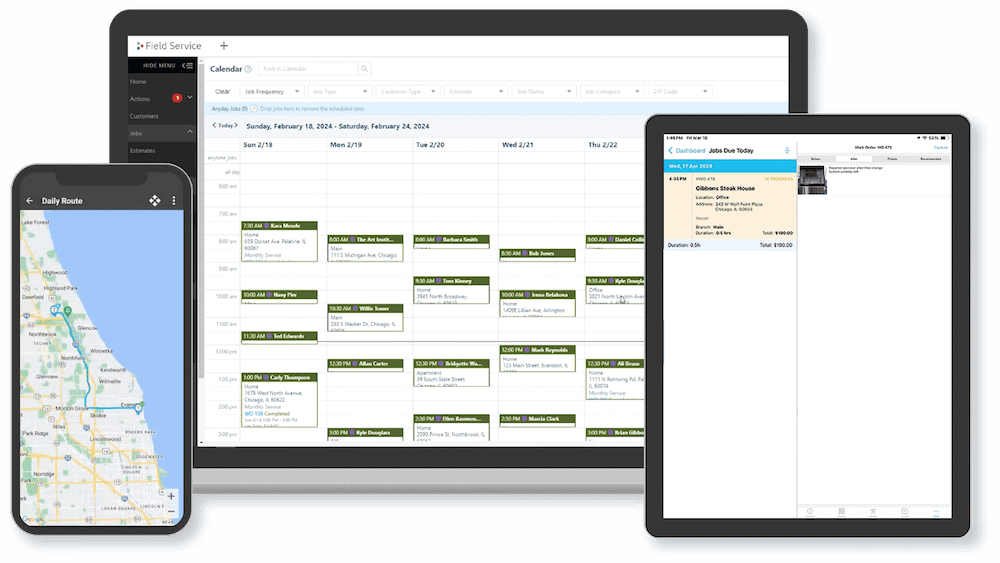
- Scheduling and Dispatching: Look for drag-and-drop scheduling, map-based dispatch, and skill matching to assign the right technician to the right job.
- Integrations: QuickBooks and CRM integrations are essential for syncing financial and customer data.
- Security: Ensure the platform uses SSL encryption, frequent backups, and role-based access control.
- Implementation and Training: The software should not take weeks to roll out. Tutorials, onboarding support, and responsive help desks make a big difference.
- Pricing Flexibility: Small businesses need predictable costs that scale with users. Avoid platforms that lock you into enterprise-level pricing too early.
ServiceBridge vs Jobber vs ServiceTitan
To help narrow down choices, let us look at three widely used FSM platforms and what they bring to the table.
|
Feature |
ServiceBridge | Jobber | ServiceTitan |
|
Mobile App Support |
Yes, with offline mode for reliable use anywhere | Yes, simple but limited | Yes, advanced but often overwhelming for small teams |
|
Scheduling and Dispatch |
Drag-and-drop with GPS-enabled visibility | Calendar scheduling with basic routing |
Advanced tools better suited for large crews |
| Quote to Invoice Workflow | Seamless and automated from start to finish | Limited automation, more manual work |
Full automation but complex to set up |
| GPS and Route Optimization | Basic but sufficient for SMBs | Available |
Available with added complexity |
|
Integrations |
QuickBooks Online, CRM basics, plus robust API | QuickBooks Online only | Wide API integrations mainly for enterprise |
| Free Trial | 14 days with full feature access | 14 days |
None offered |
| Best For | Startups and small to mid-sized teams seeking affordability and growth | Micro-businesses with very simple needs |
Larger SMBs that can handle higher costs and complexity |
ServiceBridge
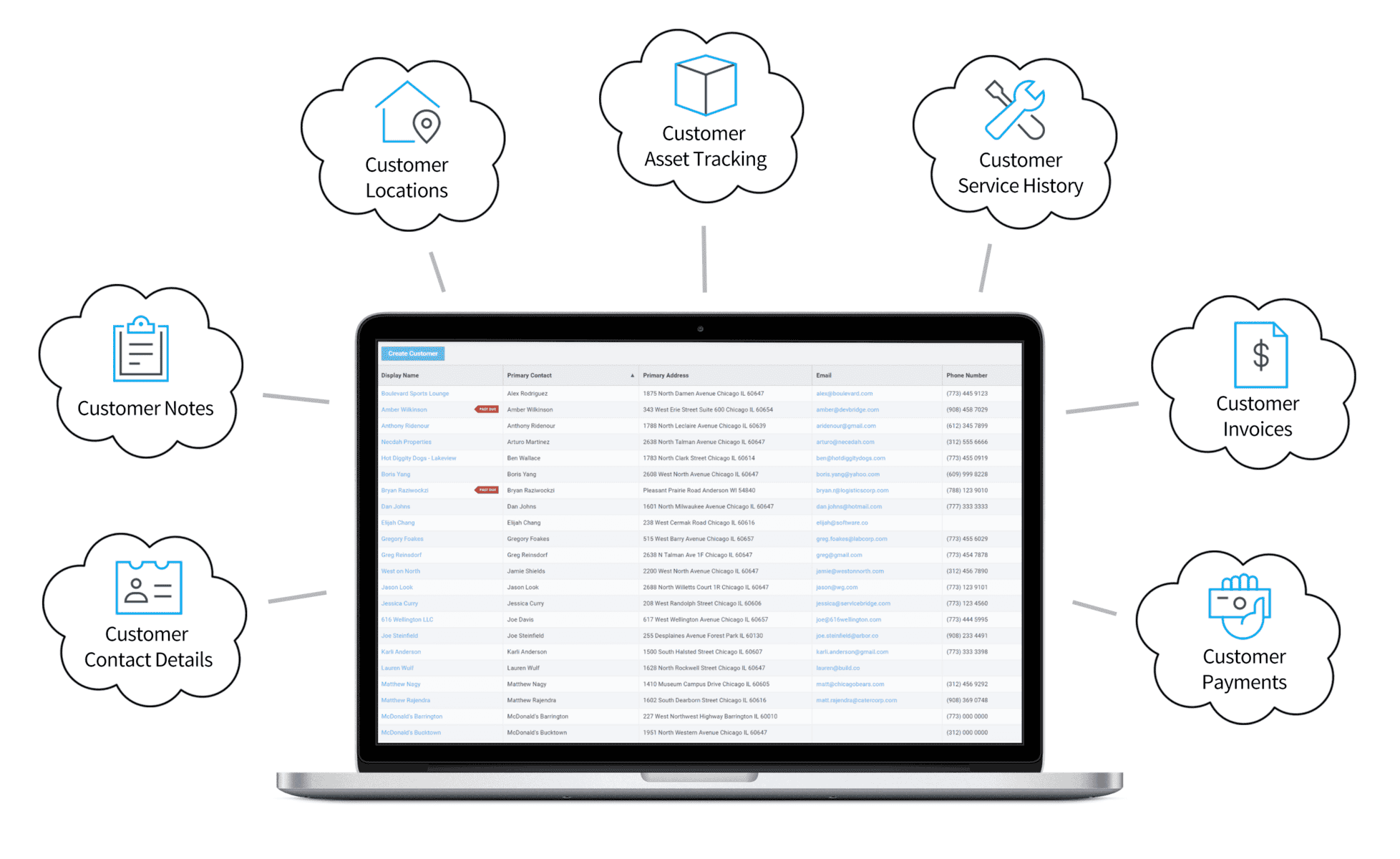
ServiceBridge is designed to manage the entire customer journey in one place. From creating detailed estimates to handling recurring work orders and collecting customer feedback through its portal, the platform delivers a complete set of tools that improve workflows, increase satisfaction, and support steady business growth. Both office administrators and field technicians benefit from its Job Management system, which makes it easy to handle everything from a quick service call to a complex multi-day project.
Why ServiceBridge Stands Out
- Built for SMBs: Perfectly suited for small and medium-sized businesses in industries like HVAC, plumbing, landscaping, pest control, pool maintenance, property care, and handyman services.
- Affordable and scalable: Offers strong features at a modest cost, starting at $24.95 per user. It supports up to 50 field resources and can expand further in franchise settings.
- Simple transition from paper to digital: Helps teams move from manual methods to digital operations without complexity.
- Focused on customer and technician success: Includes customer portals, SMS notifications, GPS technician tracking, and mobile access to keep everyone connected.
Key Features
- Complete customer lifecycle management from estimates to invoicing and payments.
- Comprehensive reporting with flexible and detailed analytics.
Seamless QuickBooks Online integration for accounting.
- GPS tracking with privacy options that turn off monitoring outside business hours.
- Customizable email templates with photos, links, and dynamic text.
- SMS alerts that notify customers of technician arrival times.
Pricing
ServiceBridge offers three clear pricing tiers, along with a free trial and demo option:
- Tier 1 (1–25 users): $24.95 per user per month
- Tier 2 (26–50 users): $22.95 per user per month
- Tier 3 (51+ users): $19.95 per user per month
Jobber
Jobber is often chosen by very small service businesses because of their clean interface and straightforward scheduling tools. It integrates with QuickBooks Online and gives owners an easy way to manage invoices and customer communication without a steep learning curve.
While Jobber is simple to use, it is not as feature-rich as ServiceBridge. Automation options are limited, and larger teams may quickly feel restricted when trying to manage multiple technicians or complex projects. It works best for micro-businesses that want a lightweight solution, but it may not be the right fit for companies planning to grow beyond a handful of field staff.
Pros
- Simple and clean user interface that is easy to adopt.
- QuickBooks Online integration for financial management.
- Good choice for landscaping, cleaning, or solo contractor businesses.
Cons
- Limited automation and reporting features.
- Less suitable for businesses with more than a few technicians.
- Scalability issues as business needs expand.
ServiceTitan
ServiceTitan is known as a powerful platform aimed at larger service companies. It offers advanced dispatching, detailed invoicing automation, and broad API integrations with CRMs and ERPs. These strengths make it attractive for businesses with multiple crews and more complex operations.

The trade-off is cost and complexity. ServiceTitan is significantly more expensive than ServiceBridge and does not provide a free trial. Its implementation process requires more training, and small businesses may find it overwhelming if they only need basic scheduling and invoicing.
Pros
- Advanced dispatch and route optimization tools.
- Strong invoicing and payment workflows.
- Robust integration options with enterprise systems.
Cons
- High cost that can exceed $199 per user per month.
- Steep learning curve with more training required.
- No free trial available for testing before purchase.
Compared to alternatives, ServiceBridge provides the widest set of features at the most affordable cost. For small businesses that want reliability, easy implementation, and room to grow, ServiceBridge is the best choice. It combines cost efficiency, strong mobile tools, and scalability, making it the clear winner over platforms like Jobber and ServiceTitan for small business needs.
Choosing the Right FSM Software: Key Considerations
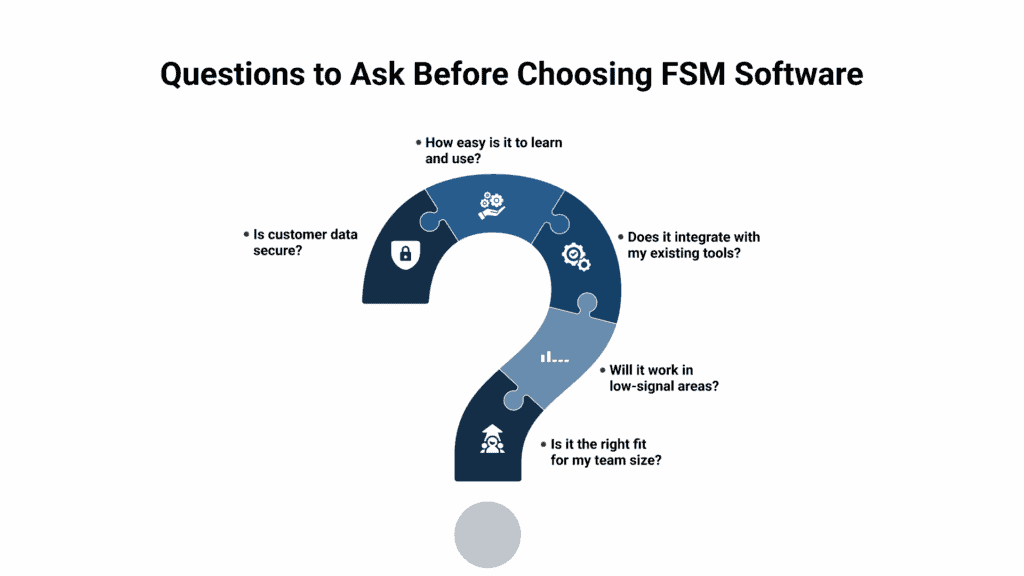
Every small business is unique, which means there is no single FSM platform that fits all situations. The right choice depends on your current size, industry demands, and long-term growth goals. Before making a decision, it helps to weigh these important factors:
- Team Size: A company with two or three technicians may not require enterprise-grade features. Simpler platforms that cover scheduling, invoicing, and customer communication are often enough. As your team grows to ten or more technicians, you will need more advanced reporting, route optimization, and multi-user support. ServiceBridge offers scalability for up to 50 field resources, making it ideal for businesses that want room to expand without switching platforms later.
- Mobile Needs: Field teams depend on mobile apps to stay connected. If your technicians work in rural areas, basements, or places with poor connectivity, offline access becomes essential. An app that allows technicians to continue working and sync data once back online can prevent delays and frustration. ServiceBridge provides offline mode, which ensures jobs run smoothly even in low-signal conditions.
- Integrations: Your FSM software should connect with the tools you already use. QuickBooks integration is often the most important for small businesses because it eliminates double data entry and keeps finances accurate. CRM integrations are valuable for companies that want to manage leads and customer relationships in one place. Look for platforms that also offer APIs or third-party connections so your system can grow with your business.
- Training and Onboarding: Even the best software can fail if your team does not know how to use it. Choose a platform that provides clear tutorials, webinars, and responsive customer support. Easy onboarding saves time, reduces resistance to change, and helps you start seeing benefits quickly. ServiceBridge is designed with straightforward implementation, requiring only a subscription and a mobile device.
- Security: Customers trust you with sensitive information such as addresses, phone numbers, and payment details. Protecting that data should be non-negotiable. Look for FSM platforms that use SSL encryption, secure data backups, and role-based access controls. Following frameworks such as the NIST Cybersecurity Framework provides an extra level of assurance that the software meets industry standards.
Transition Guide: Moving from Spreadsheets to FSM
Many small businesses hesitate to adopt FSM tools because they feel the switch will be complicated. In reality, the transition can be simple if approached step by step:
- Audit current processes: Identify gaps in scheduling, job tracking, or invoicing.
- Choose the right platform: Prioritize QuickBooks or CRM integration for smoother workflows.
- Import customer data: Most FSM systems allow bulk uploads from spreadsheets.
- Train staff: Use mobile app demos and start with the most common tasks.
- Monitor KPIs: Track improvements in missed jobs, invoicing turnaround, and customer satisfaction.
Common Mistakes to Avoid
- Selecting software without the right integrations for accounting or CRM.
- Skipping user training, which often results in poor adoption.
- Ignoring mobile app performance and offline capabilities.
- Overlooking data security and compliance requirements.
Avoiding these mistakes ensures that your investment delivers long-term value.
Final Thoughts
For small businesses, field service management software is more than a convenience. It is a growth enabler. Platforms like ServiceBridge, Jobber, and ServiceTitan each offer unique strengths that fit different types of teams. ServiceBridge is ideal for small contractors who need affordability and ease of use. Jobber shines for micro-businesses looking for a clean interface and QuickBooks integration. ServiceTitan is the right choice for ambitious teams ready for enterprise-grade tools.
The right FSM solution will streamline operations, strengthen customer relationships, and increase profitability. Small business owners should evaluate their team size, industry needs, and growth goals before choosing. With the right software in place, even the smallest service team can run with the efficiency of a much larger operation.
Start your free trial with ServiceBridge today and see how simple, scalable field service management can transform your business.