GPS Tracking System
GPS Fleet Tracking.
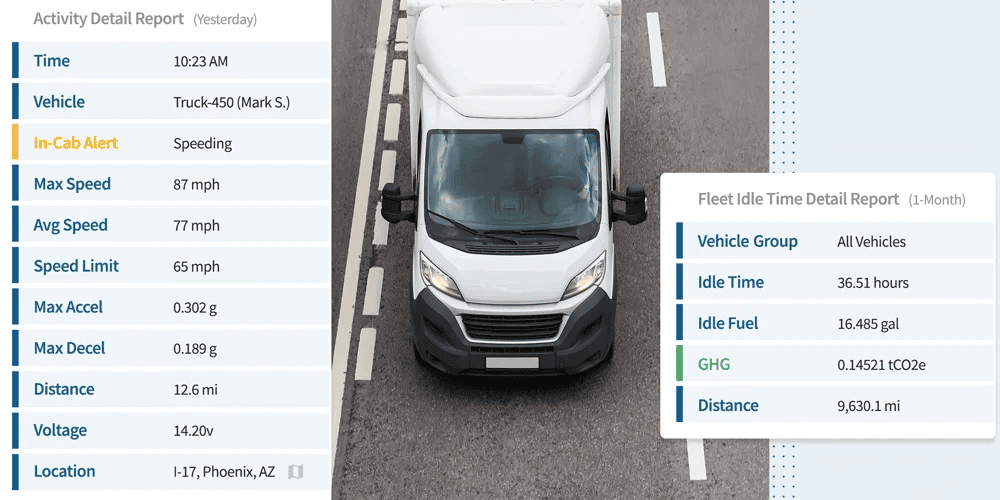
Better understand how your organization is running in real-time with GPS Tracking telematics that provides visibility, actionable insights, and results.



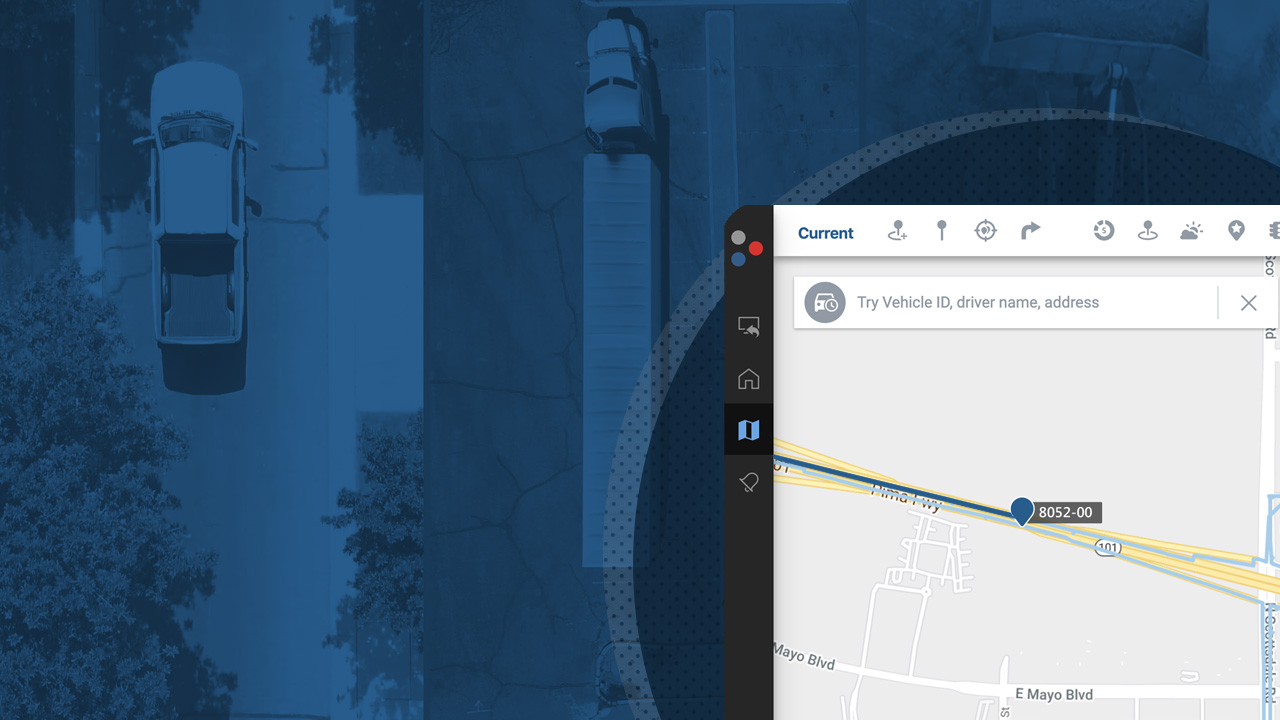


Once you decide to go with GPS Insight, the first step is to install the 4G LTE GPS tracking devices. Vehicle tracker options include OBD-II plug-ins or hardwired behind the dash.
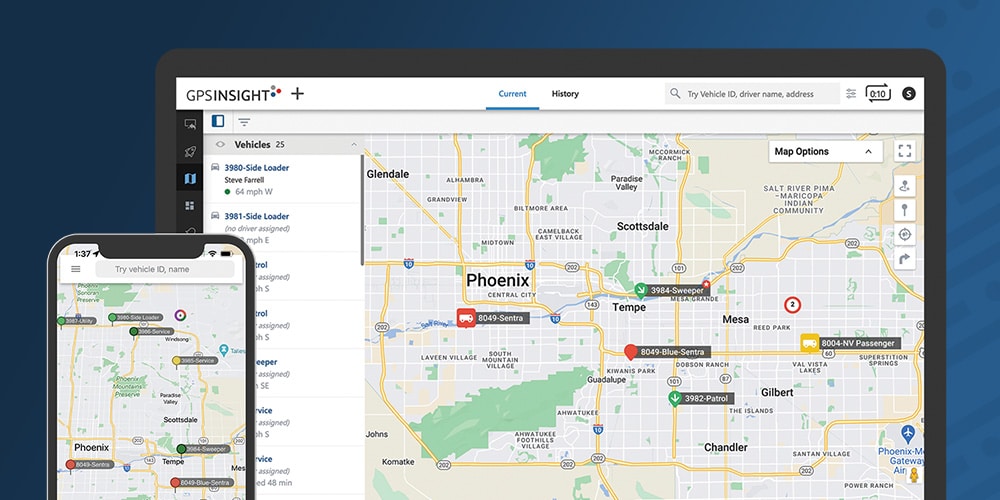
The GPS tracking system can be accessed through any computer or tablet. Our mobile app is available for Apple iPhones (iOS) and Android devices.
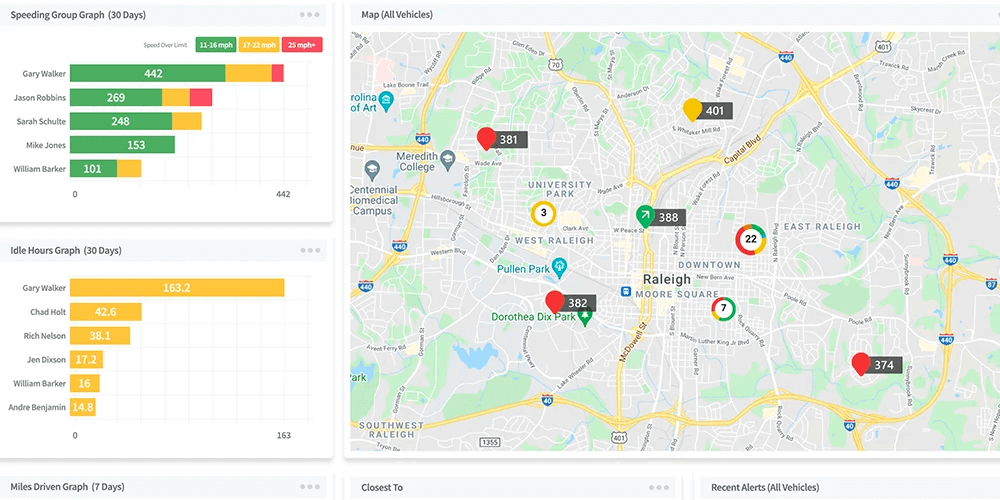
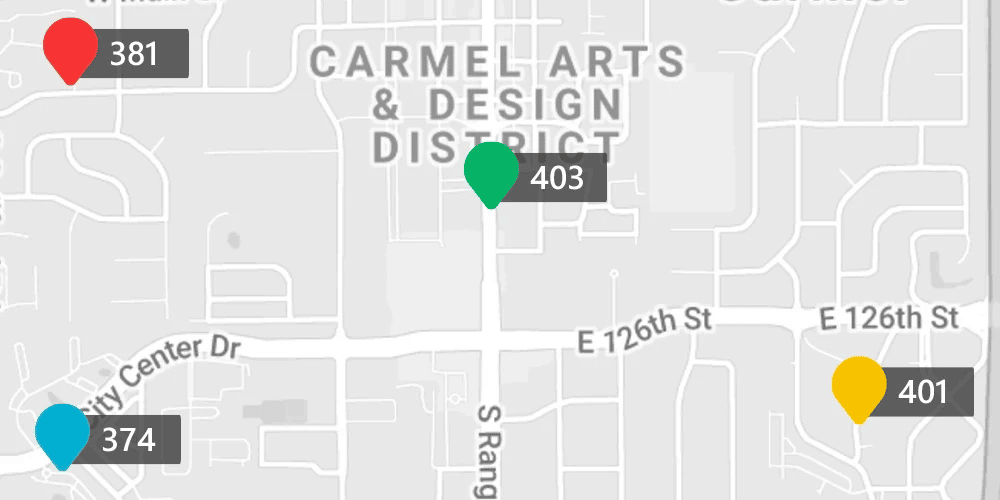
You will have access to current and historical automatic vehicle location data that is gathered for you. This GPS location data gives you a clear picture of what is happening with your fleet so that you can take action.
Dedicated account managers and technical support are well-versed with GPS data. They're available to answer your questions and train your team to make sure you get the most out of the solution.
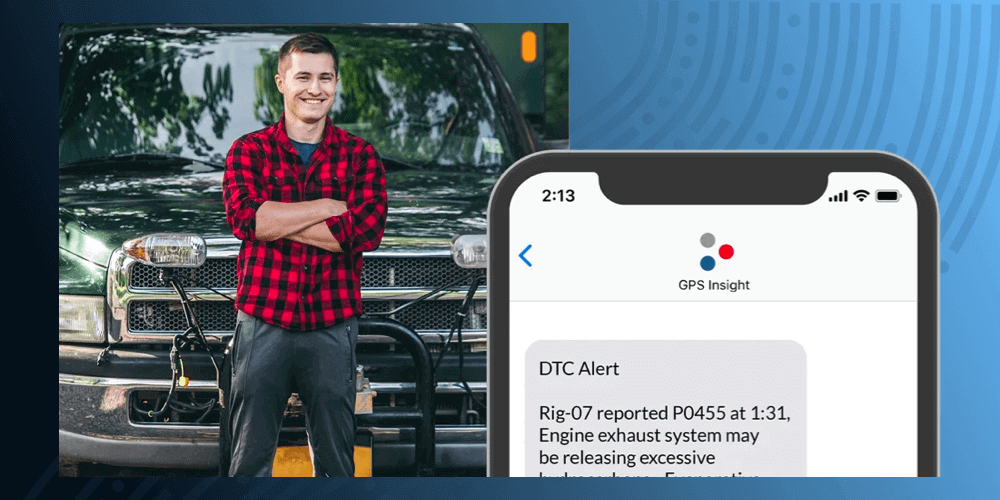
GPS Insight is much more than just dots on a map. Our GPS vehicle tracking solutions include a wide range of customizable reports, driver behavior alerts, and other innovative features that can be tailored to meet your specific requirements and ensure maximum ROI. We offer low-cost monthly fees with warranty and a variety of other contract options.