We are better able to control costs, increase customer service, and streamline routes and delivery runs...
Search
Dynamic Phone Number
GPS Insight Fleet Tracking Functionality: Reporting
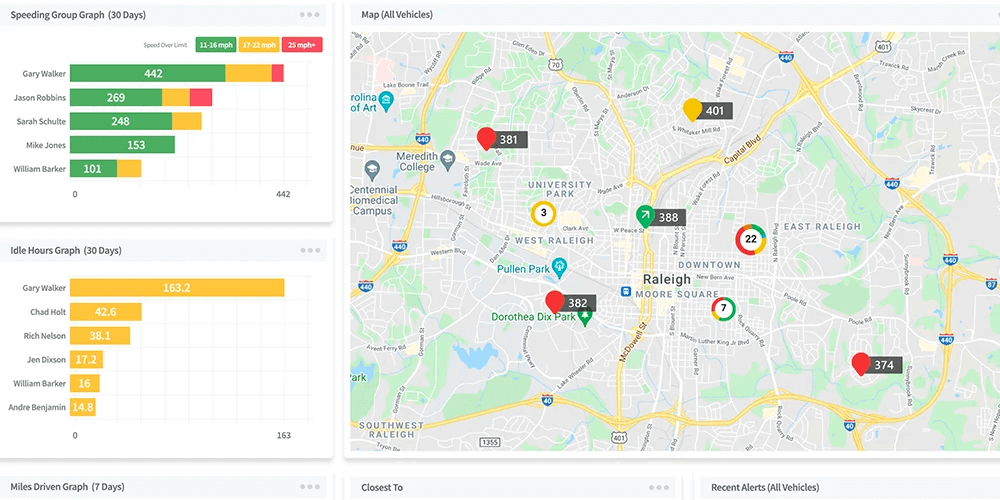
GPS Insight offers 30+ Fleet Tracking Reports.
The GPS Insight fleet tracking system provides robust on-demand or automated reporting that ensures you always have exactly the information you need, exactly when you need it. This improves efficiency, reduces operating costs, extends the life of your fleet and just makes your job easier.
GPS Insight Tracking Reports:
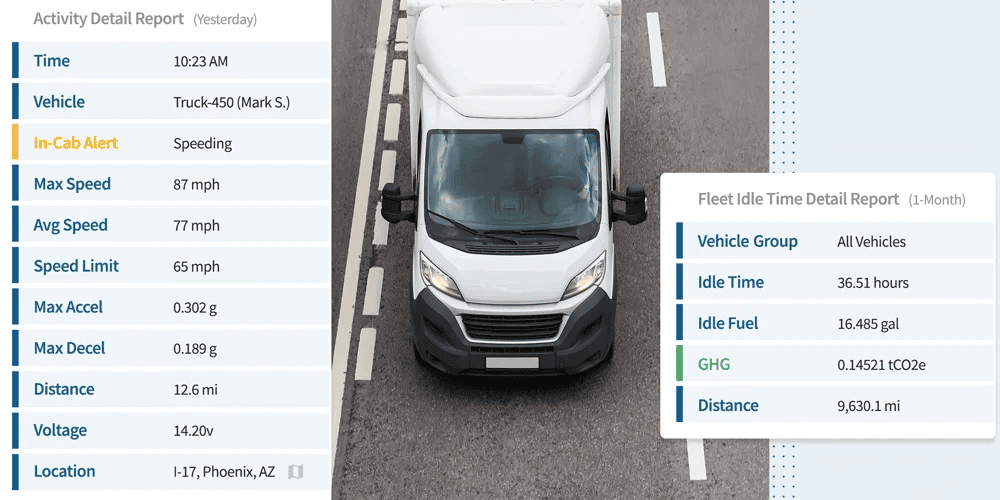
Activity Detail
- Activity Detail - All reported locations for each vehicle.
- Begin/End Day - The first start and last stop for any or all vehicles in your fleet.
- Drive Time Summary - A Summary of fleet driving statistics.
- Odd-Hours - Report on driving-time violations.
- Fleet Utilization - Utilization details on all fleet vehicles.
- Idle Time - Report on individual idle stops for vehicles in your fleet.
- Idle Detail - Report on idle durations for your fleet.
- Driver Log - Department of Transportation style graphical description of the driver's activity.
- Fuel Card Transaction - Details about fuel transactions to help identify fuel card fraud.
Landmarks
- Landmark History - Report on time spent in each, by vehicle and by landmark.
- Landmark Log - List of first and last points recorded in landmarks.
- Unmarked Stops - Reports on stops at unmarked locations.
- Path History - Reports on time spent on a polyline path.
Diagnostic
- Fuel Usage and MPG - Total gallons used and (diagnostic) MPG.
- Performance - Most recently reported data from each vehicle.
- Run Time - View odometer and run time totals.
- Switch Alerts - Report on switch-based alerts (such as power-cycle or panic).
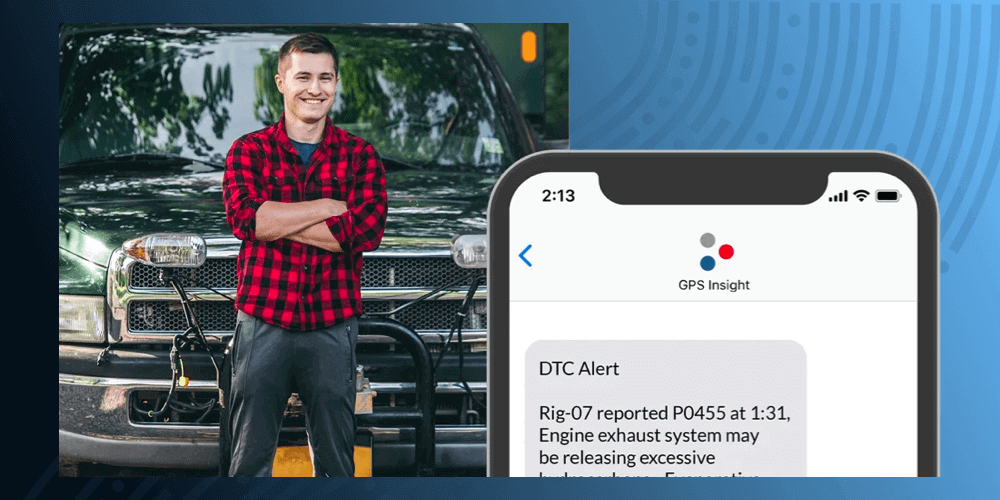
- DTC Alerts - Alerts reported by the engine via Diagnostic Trouble Codes.
- Maintenance - A Run-time report with service reminders.
Speeding
- Speed Bands - Quantify driver and overall fleet drive time into definable "speed bands."
- Speeding Violation - All speeding instances with location data for each.
- Speed Summary - Compare speeding trends over time.
- Speeding in Landmarks - All speeding within a landmark or landmark group.
- Posted Speed Limit- Violations of local posted speed.
Stop Detail
- Stop Detail and Idle Time - Printable report with stop detail and idle time.
- Stop Notes - Printable report on stop details with SMS driver notes.
- Stop Detail and Idle Graph - A graph showing vehicle movement and stop times.
- Route Efficiency Detail - Summarize and rank driver efficiency.
- Efficiency Summary - Compare the actual route driven to the “optimal” route between stops.
- State Mileage - See vehicle mileage by state and state mileage by vehicle.
GPSI.TV
CASE STUDIES
Case Studies
CESCO Realizes Big Savings with GPS Tracking